
How to Add an Inspection to a Quality Matrix
Start adding work sections by clicking Settings.
To be able to edit the matrix you must at least have project administrator rights.

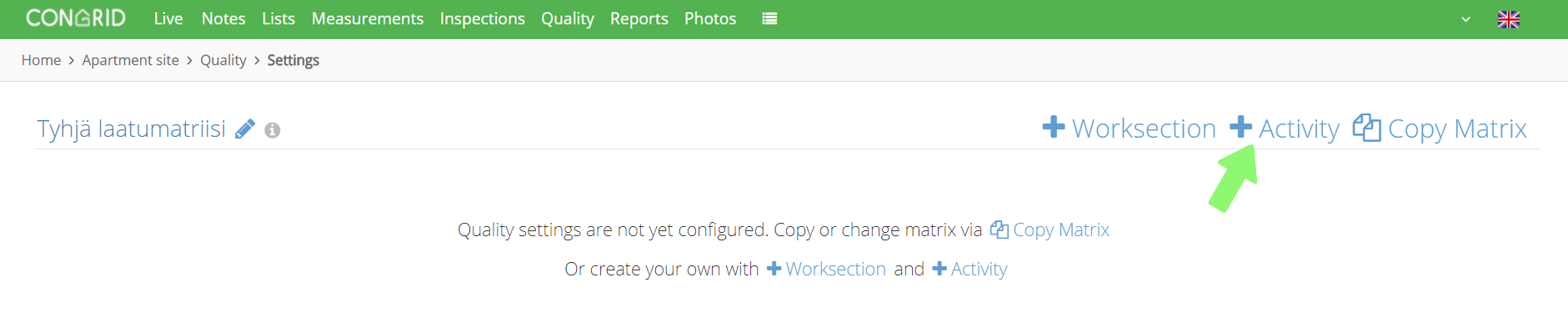
Click + Activity.
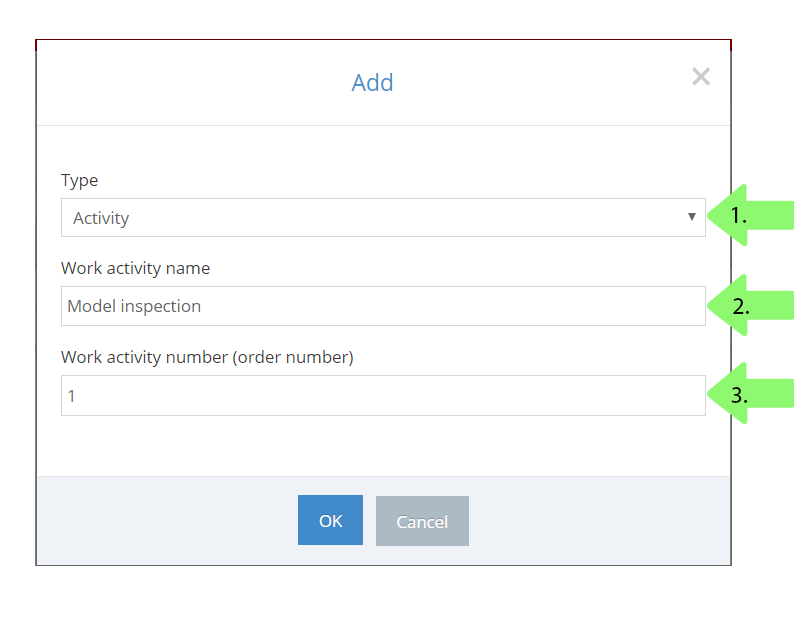
1. Define a type, which can be one of the following:
- Activity
- File
- Work planning
- Text
2. Set a name for work activity.
3. Set a work activity's order number. Start numbering from left to right (1,2,3..) and the matrix will order the column's accordingly.
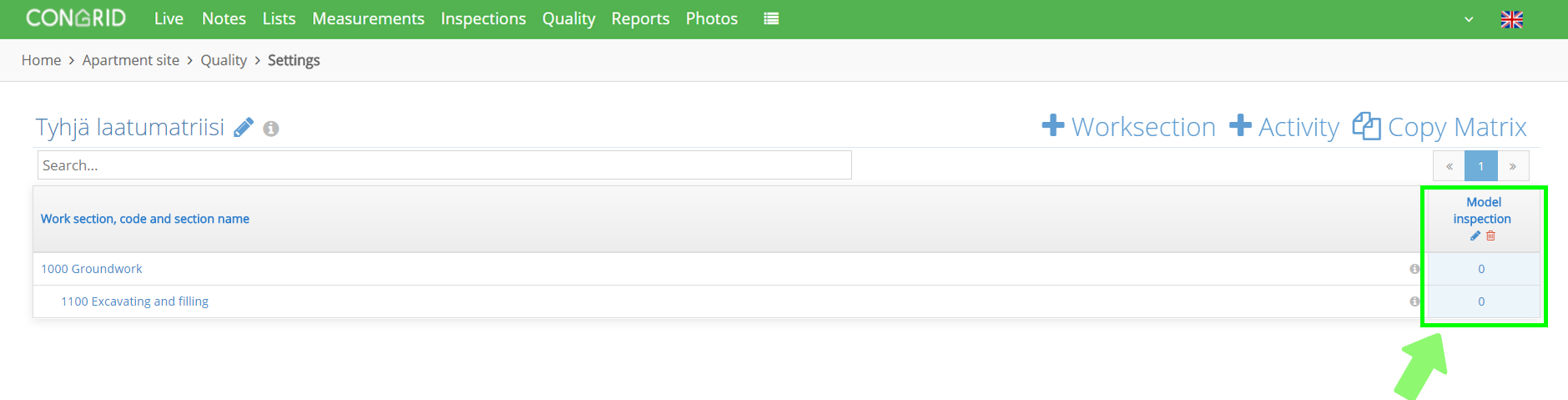
When an inspection has been added successfully, it'll appear in the right corner of the matrix.
Comments
0 comments
Please sign in to leave a comment.