
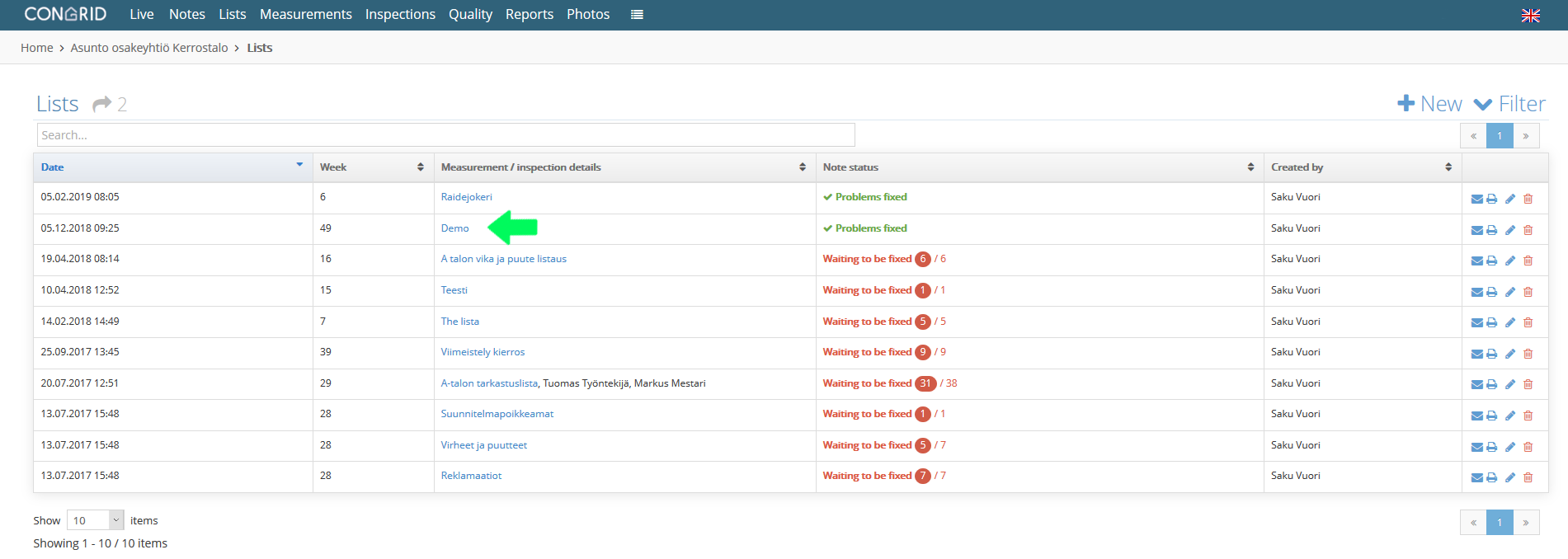
Start by clicking Lists.

A page with a project's all lists will open.
1. Open a project list by clicking its name
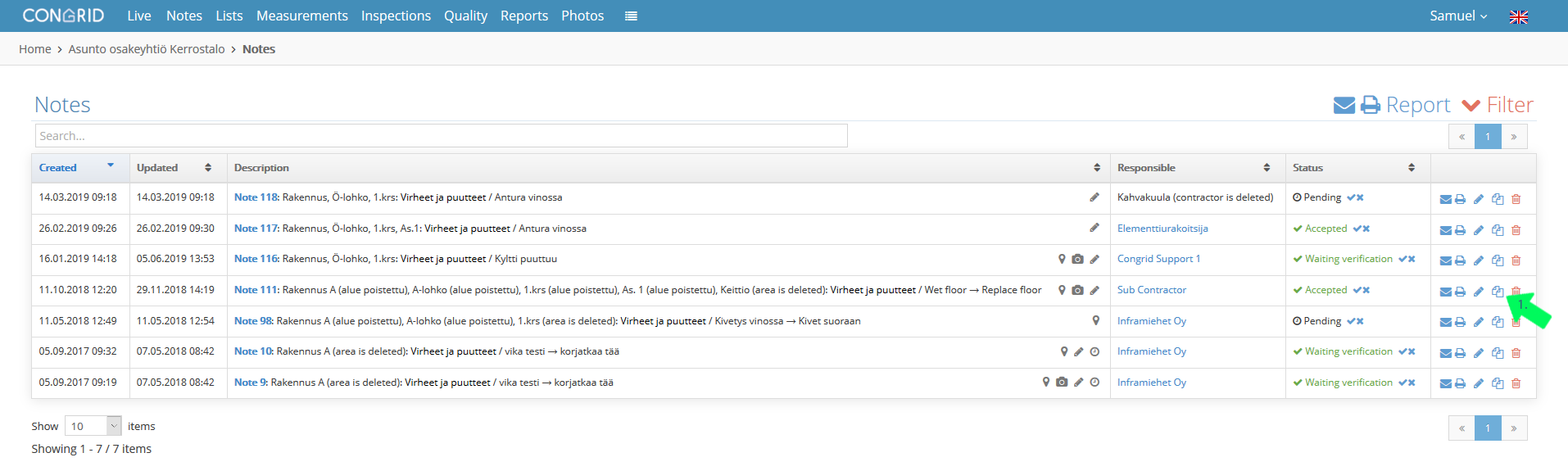
A page with all notes entered into the specified list will open.
1. To copy notes between lists, click the Document icon.
A new pop-up window opens. Choose which list you want to copy the note into.
1. Choose a list to copy a note into
2. Save by clicking the OK button.

Notes are copied from one list to another. By deleting the copied note from the old list you can avoid duplicate notes.
Comments
0 comments
Please sign in to leave a comment.