
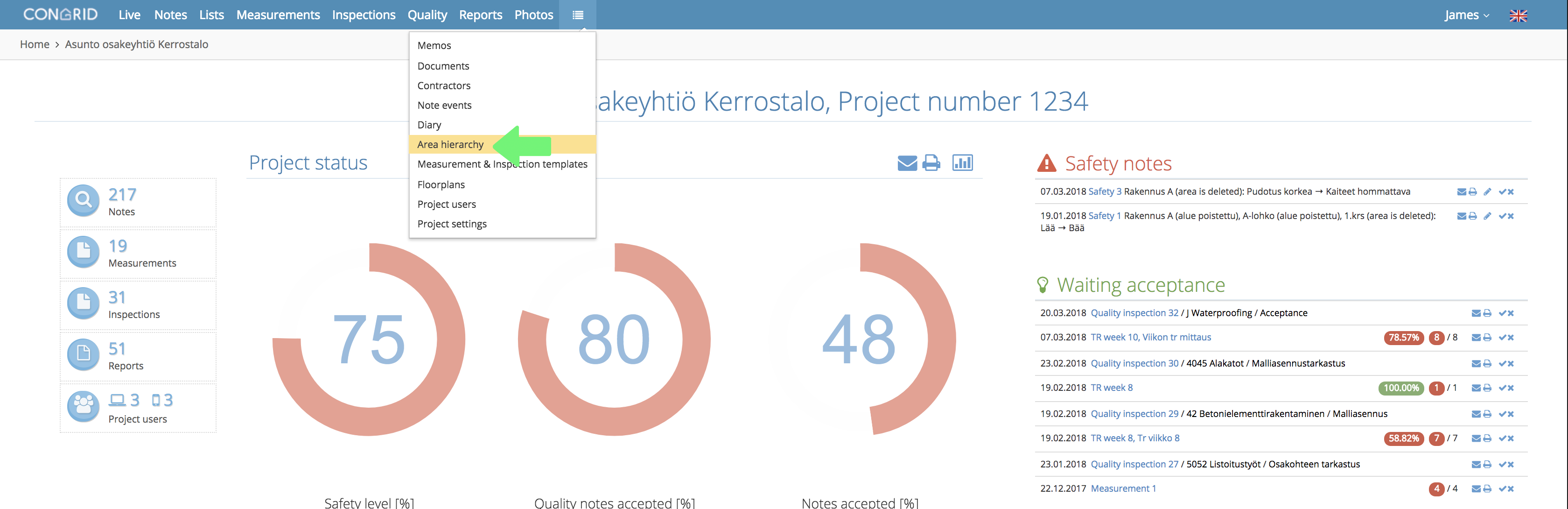
Start creating Area Hierarchy by clicking the text in the dropdown menu.
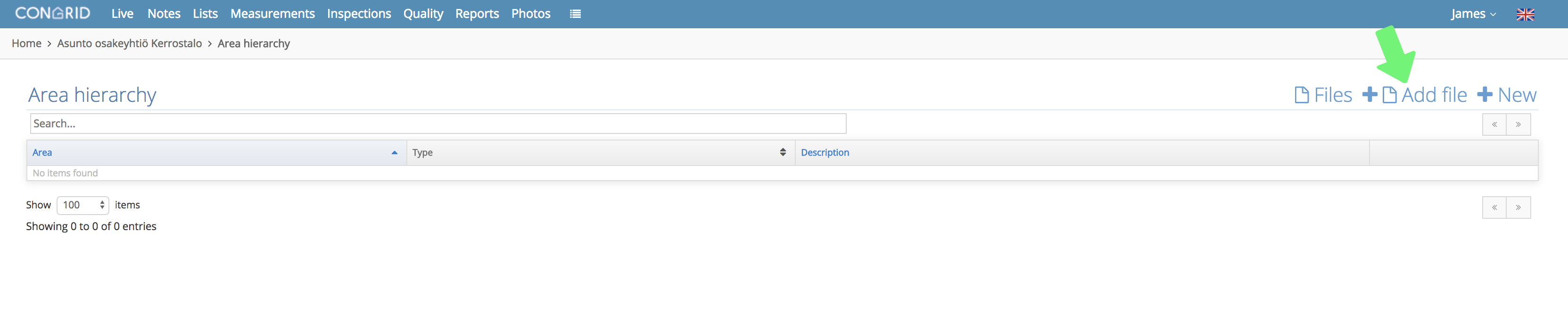
Click + Add file.
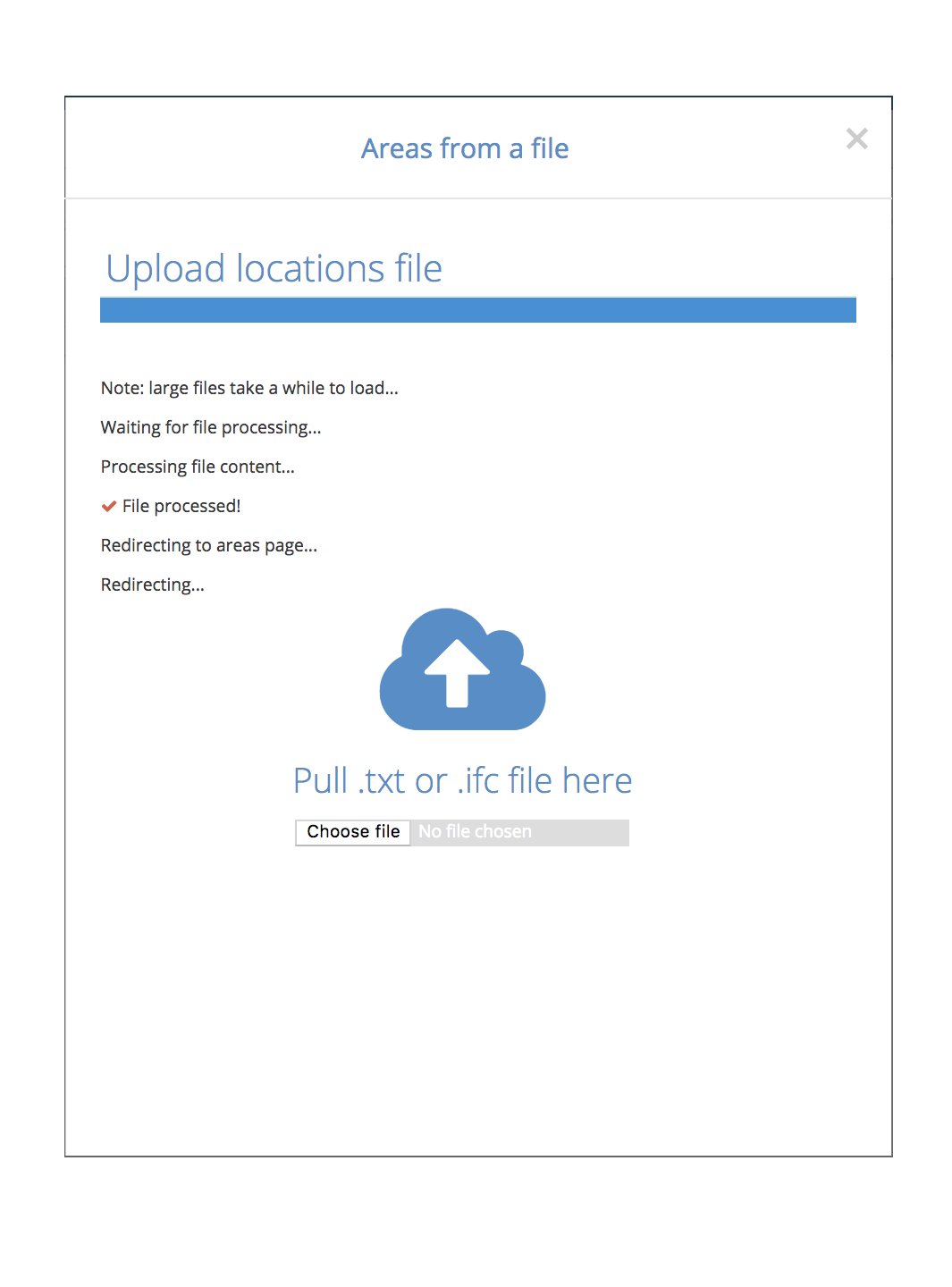
You can upload the IFC file by clicking Choose File or by dragging it on to the cloud icon. Please note, If the file is large the loading time may be notably long.
When the uploading is complete, a File processed notification appears and the area hierarchy page appears again. Here you can edit the area hierarchy if necessary. (See Guide: Editing area hierarchy)
If loading fails, the file type may be wrong or IFC file is broken.
If you have checked the mentioned things and loading still fails please contact our support center at support@congrid.com
The maximum file size is 500 MB.
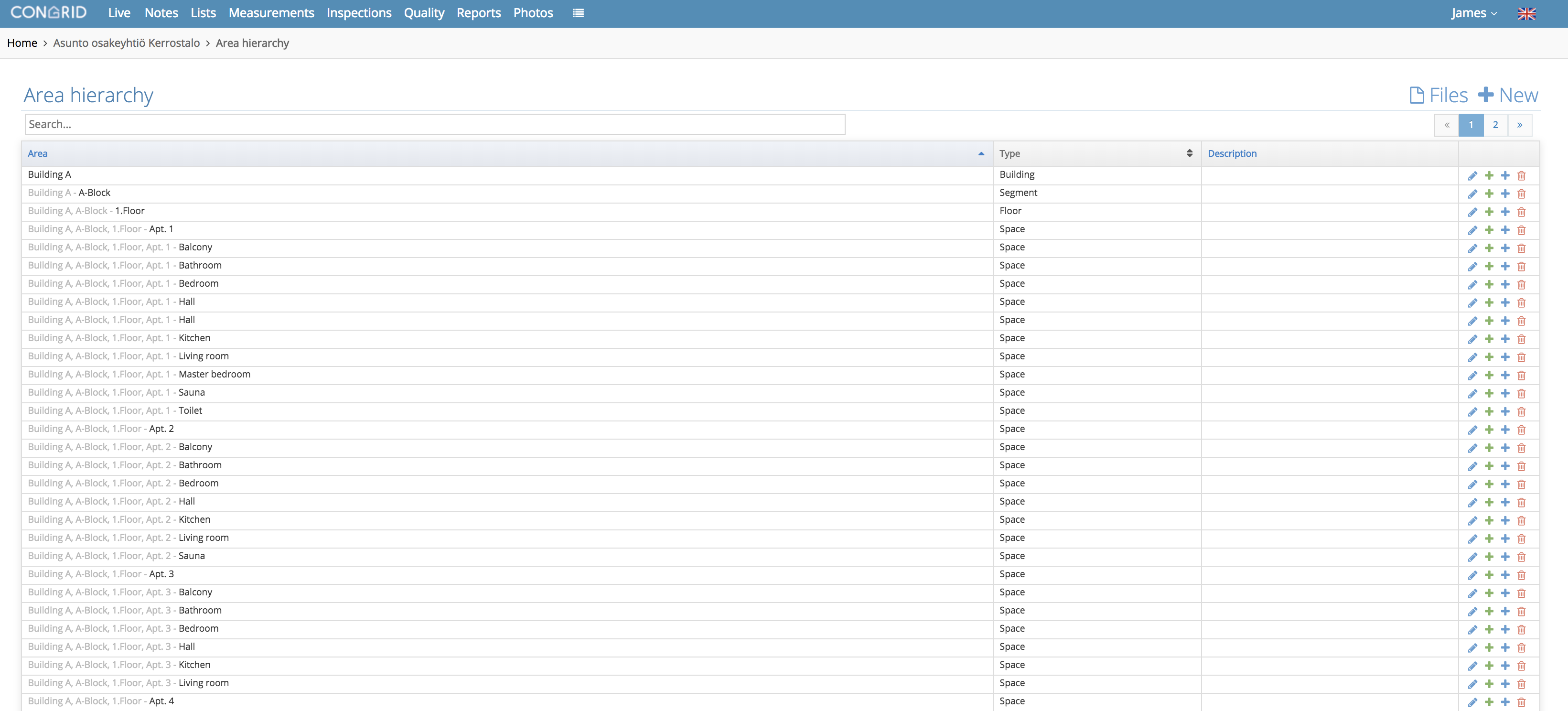
After successful loading, we recommend checking the area hierarchy layout. Please note, the area hierarchy depends on how the IFC file is made. If locations are not specified in the file this will determine how the area hierarchy is laid out.
You can add Floor Plans on right locations and edit areas after creating the Area Hierarchy.
Comments
0 comments
Please sign in to leave a comment.