
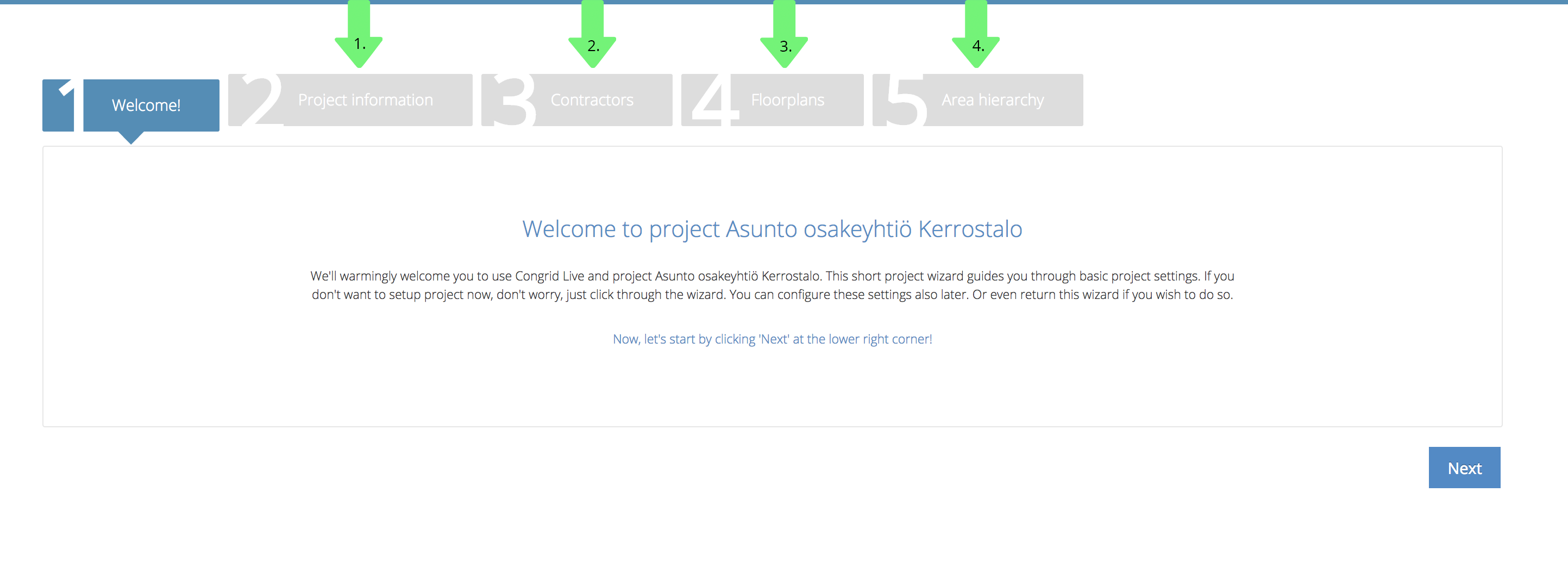
Project settings (also known as Wizard) is a setup page for a new project.
Firstly, set all basic project data. This is not obligatory - You don't need to define any data if not necessary. You can re-enter the Wizard by accessing the Project settings.
1. Project information - Set basic information.
2. Contractors - Add contractors and other operators. (See guide: Contractors)
3. Floorplans - Add Project floor plans. (See guide: How to add floorplans)
4. Area Hierarchy - Set an area hierarchy using your files or manually. (See guide: Area hierarchy)
Comments
0 comments
Please sign in to leave a comment.