
You can create a compilation report that contains all the inspection document information, tasks and sub-tasks.
To create a report, click on 

Printing out the compilation report
You are directed to the report filtering page where you can adjust the filters and output settings. The default settings include note details and group headings.
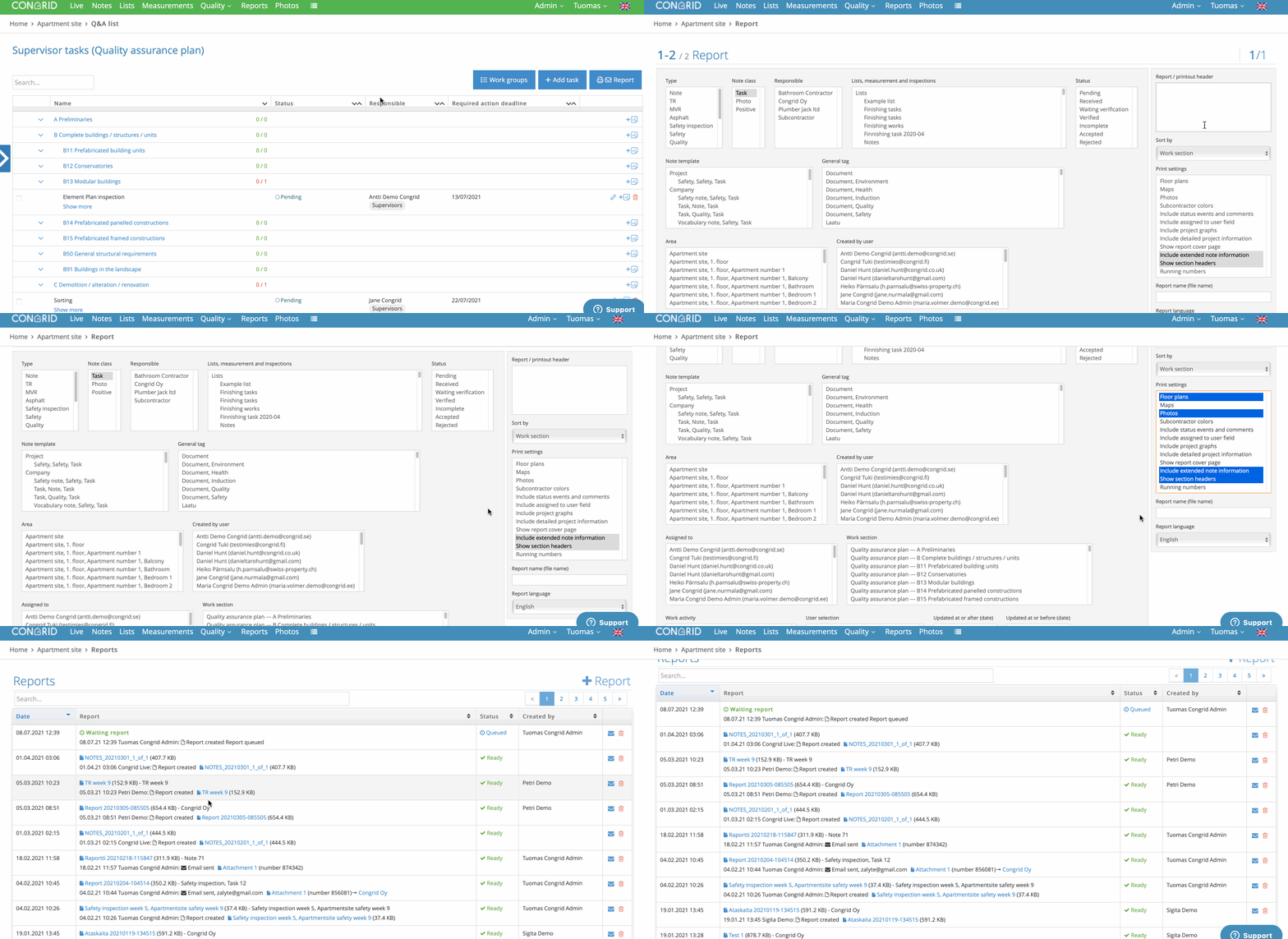
In the example, site photos and floorplan note locations have also been selected.
An example of a compilation report without site photos and floorplans:

You can find detailed instructions for printing out reports here: Reports
Comments
0 comments
Please sign in to leave a comment.