
Live Service - Administrated projects - Functions
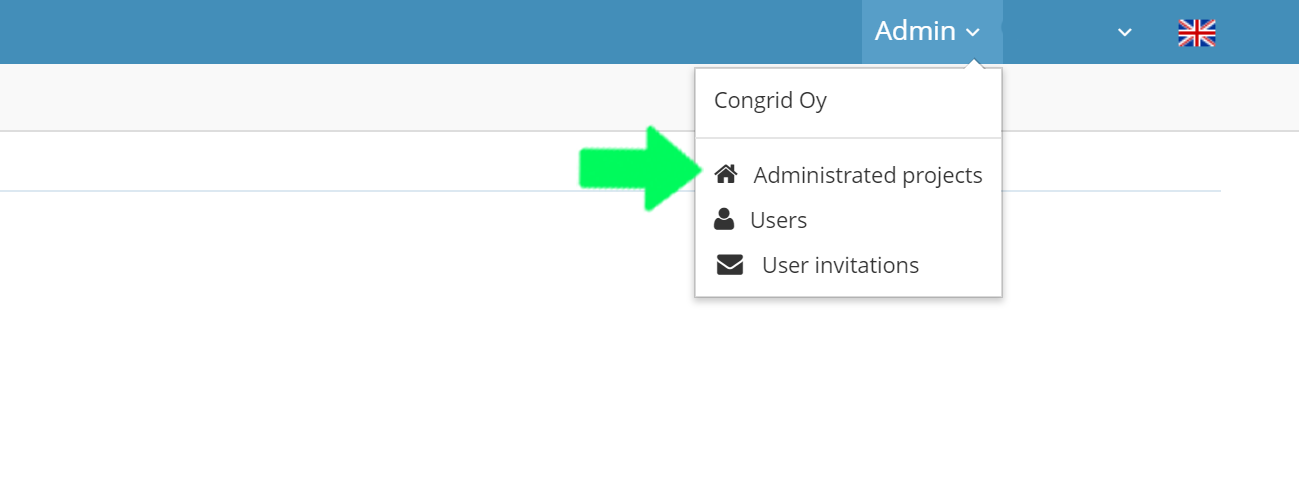
1. Open Congrid Live Service's Control Panel and choose Administrated Projects
1. You can edit project data or enter a project page.
 A new window to edit project data
 A link to project settings. (See guide: Project settings).
 A link to project changelog
 A link to project users -page (See guide: Project users).
2. Edit project users
Edit user rights
 Delete user from project
3. Administer roject modules. (See guide: Project modules).
4. Add users to project.
5. Add a new project.
6. Filter administrated projects.
7. Edit project status.
("On" and "Warranty Repair" are active project status' where you can activate new applications licenses. Setting dates does not affect other functions).

If a company has multiple projects, it is easy to navigate them using the filter function or typing the project name in to the "Search..." field.
Comments
0 comments
Please sign in to leave a comment.