
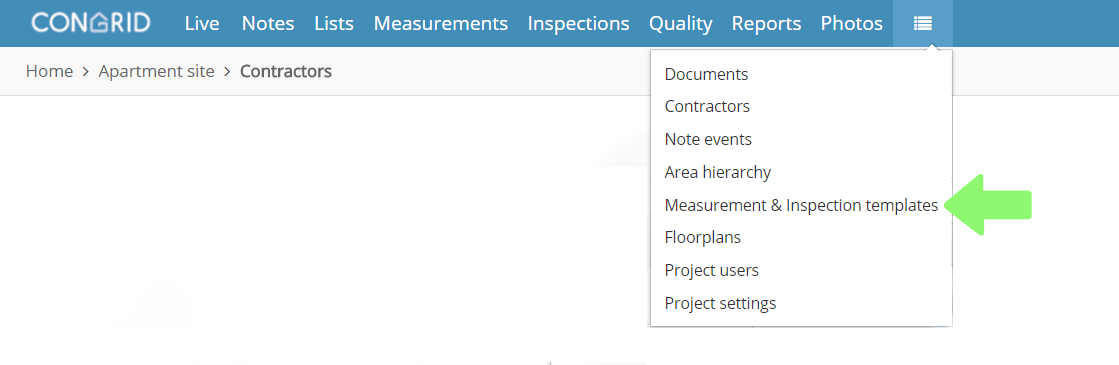
Open the menu on the top-right corner and click Measurement & Inspection Templates
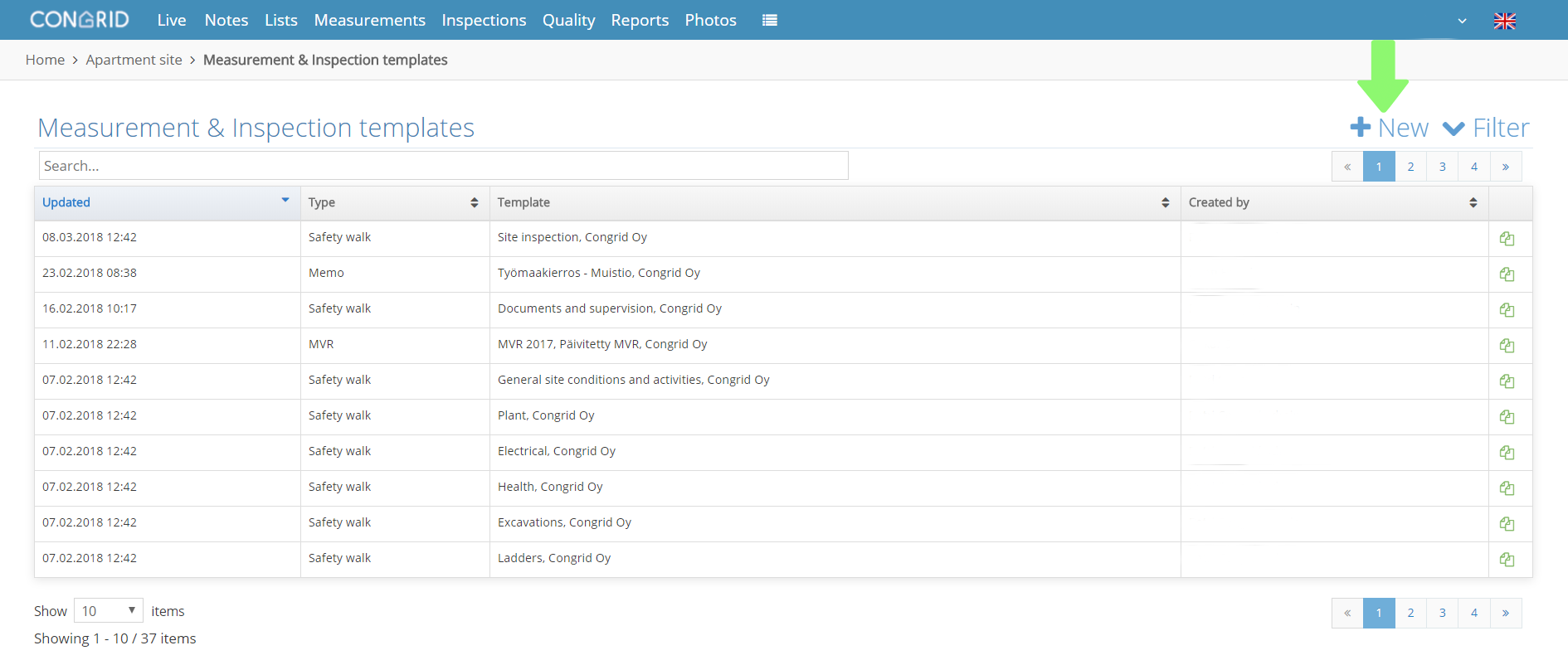
Add a new template by clicking the + New text.
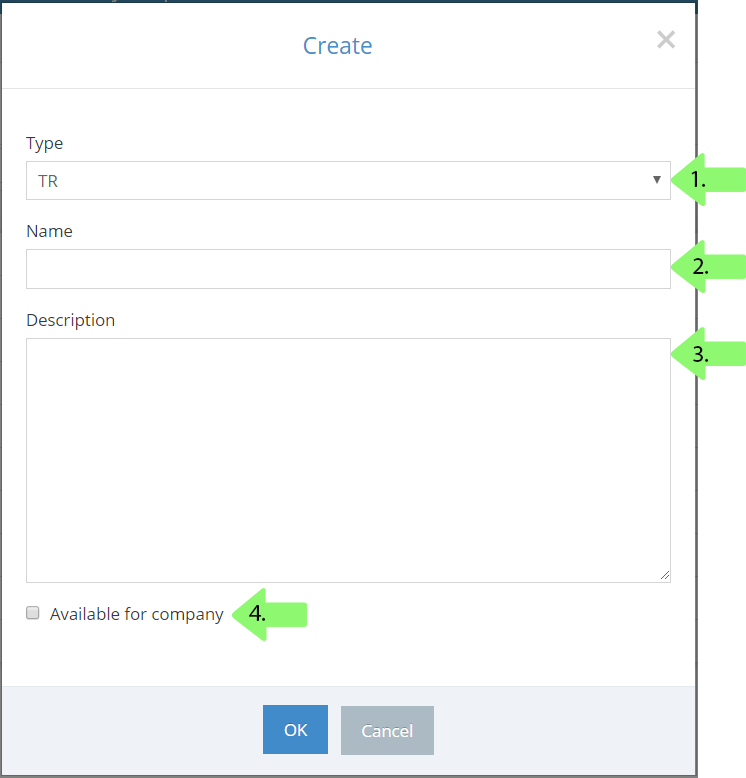
A new pop-up window appears. Set the following basic data:
1. Set a measurement's type: Memo.
2. Set a name.
3. Add a description.
4. Click this to open the inspection template for all projects.
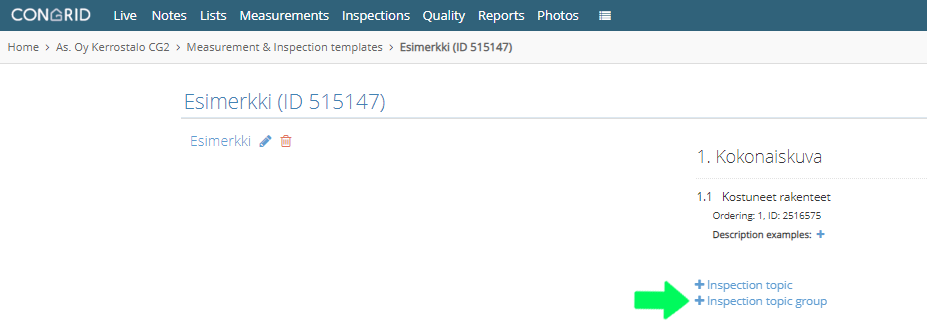
Edit a memo content by clicking its name.

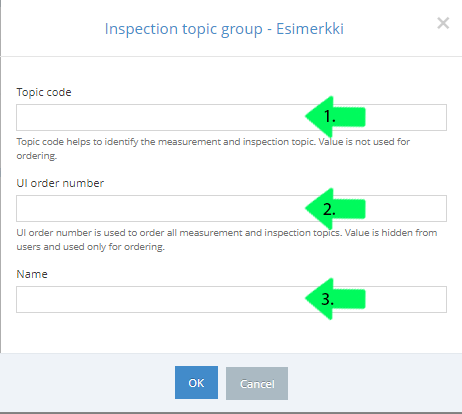
Inspection topic group - click the text to add a new group.
1. Define a topic code.
2. Set a UI order number.
3. Set a name.
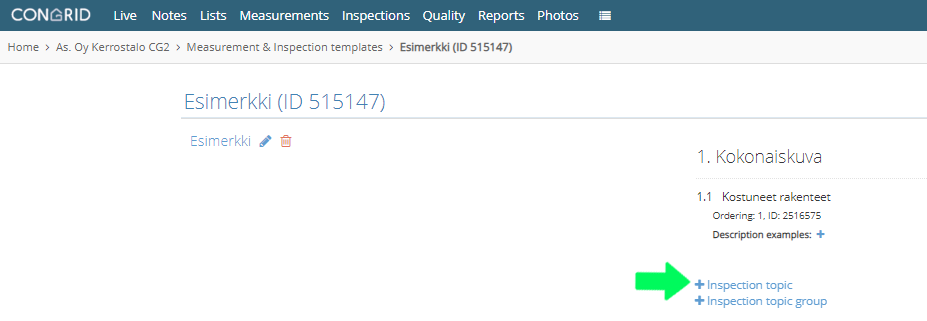
Inspection topics - click to add topics to a memo.
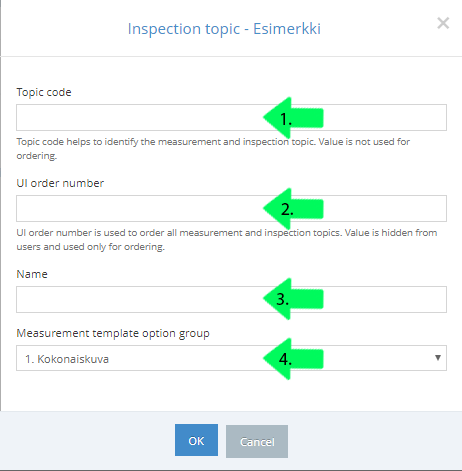
1. Define a topic code.
2. Set a UI order number.
3. Set a name.
4.Set a measurement template option group.
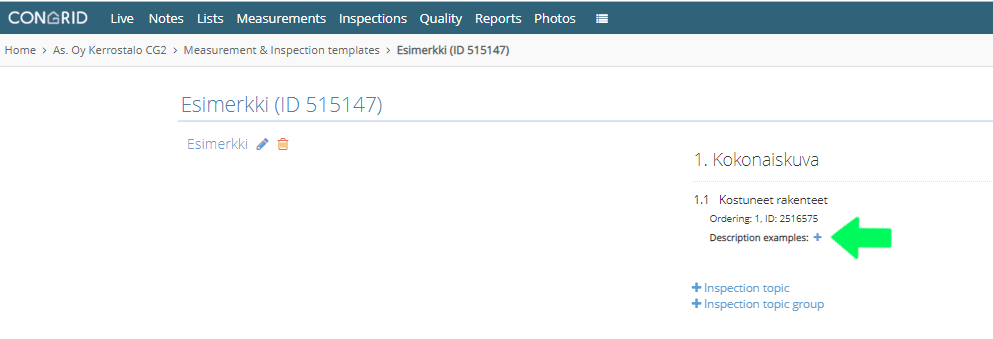
Set additional information by clicking the plus -icon.
Once the information has been filled, you can add more inspection topics.
Comments
0 comments
Please sign in to leave a comment.