Delete reports by clicking Reports.

Click the red wastebasket icon and then OK.

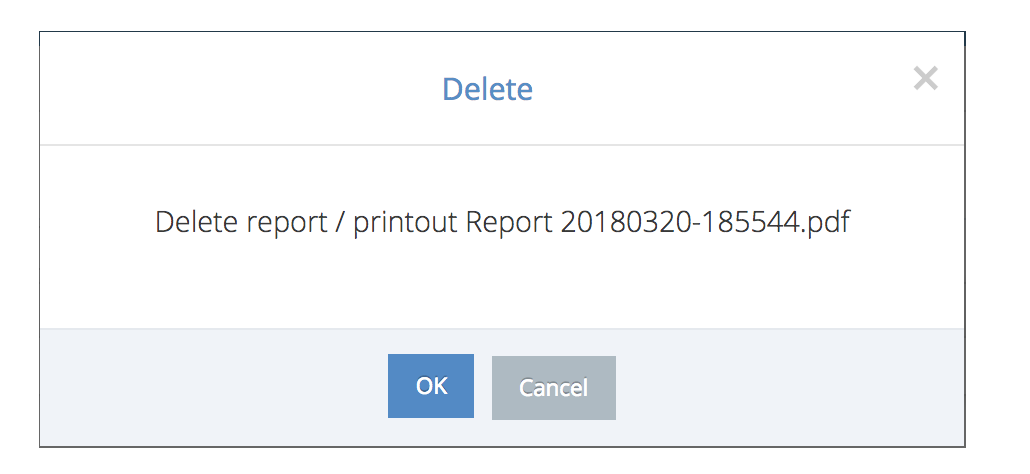
If you accidentally deletet a wrong report, please contact support@congrid.com to return it.

Delete reports by clicking Reports.
Click the red wastebasket icon and then OK.
If you accidentally deletet a wrong report, please contact support@congrid.com to return it.
Comments
0 comments
Please sign in to leave a comment.