
Click Inspections.

You can change an inspection's status in two ways.
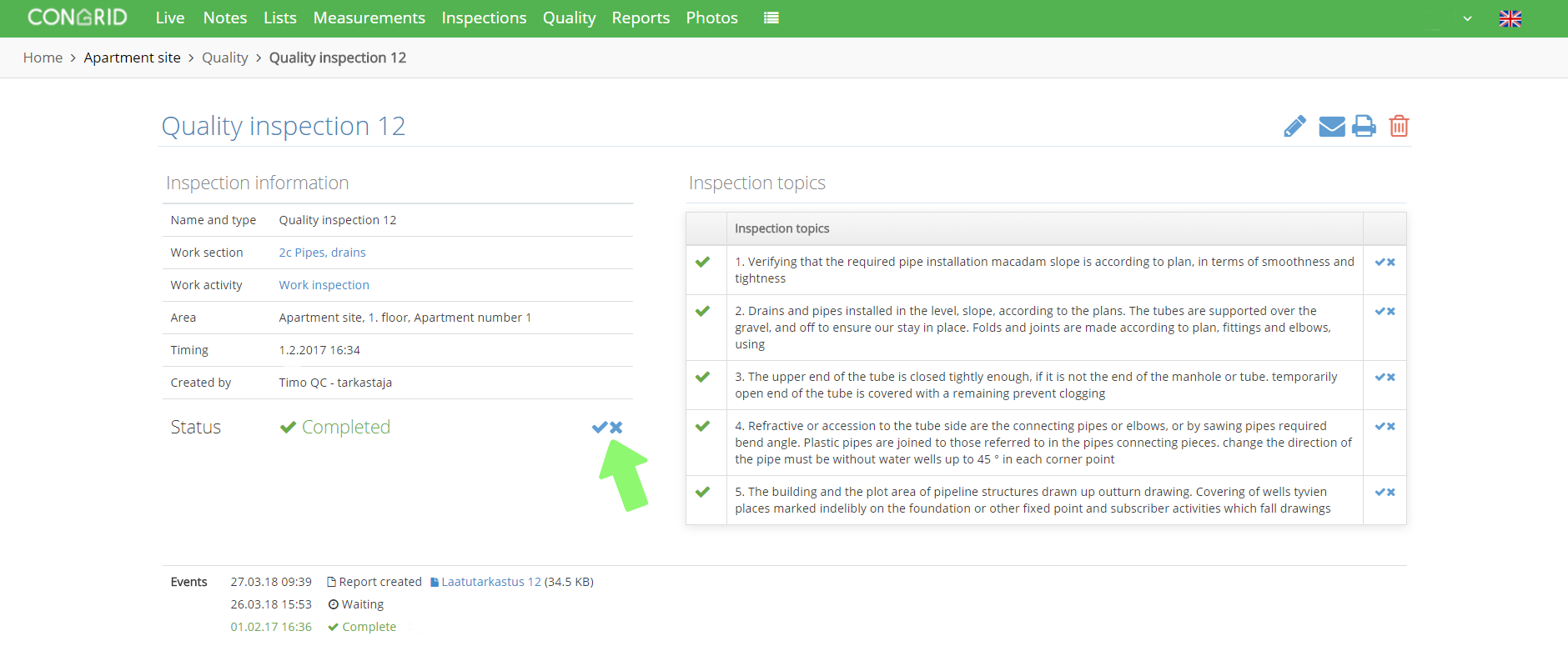
1. Click the inspection's name.
2. Click the acceptance icon.
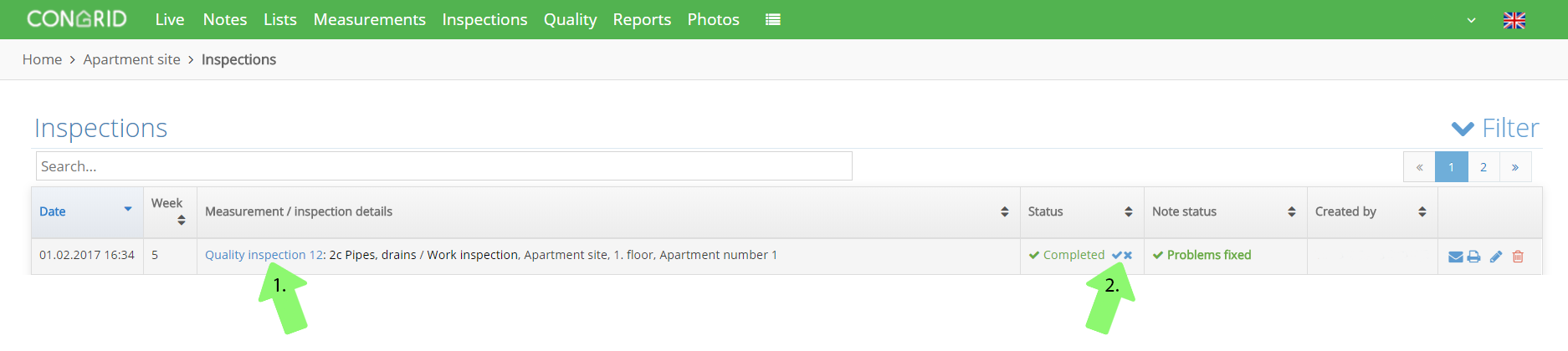
Edit inspection status by clicking the acceptance icon.
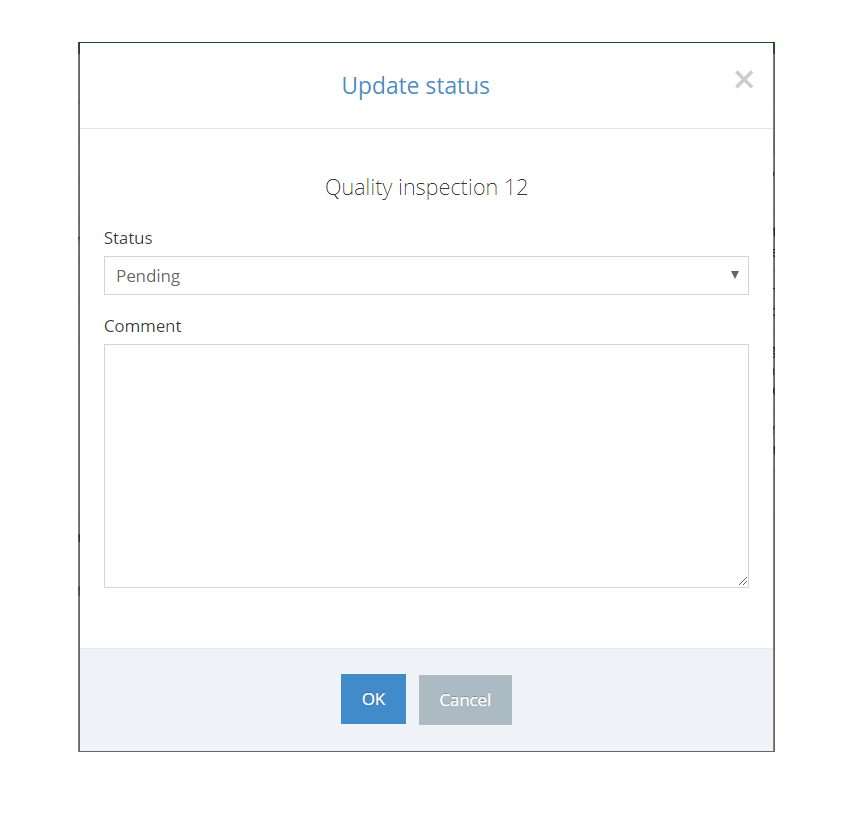
Change the inspection status by selecting either Pending, Accepted or Rejected from the drop-down menu in the pop-up window.
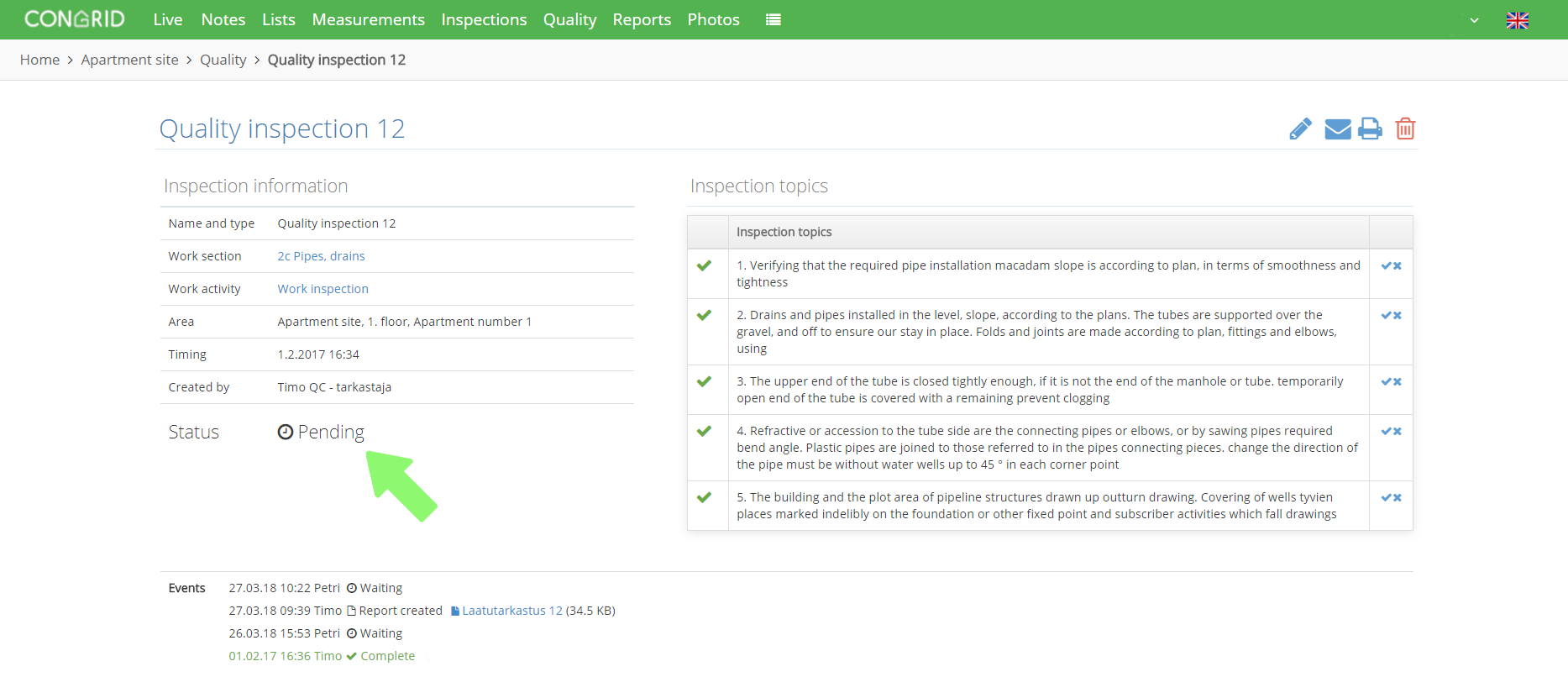
If the inspection is set as Pending, it is only available on your mobile device. You can't edit the inspection's status in the Live service before it is set as Accepted on a mobile device.
When an inspection has been set Pending, the editing icon disappears.
Comments
0 comments
Please sign in to leave a comment.