
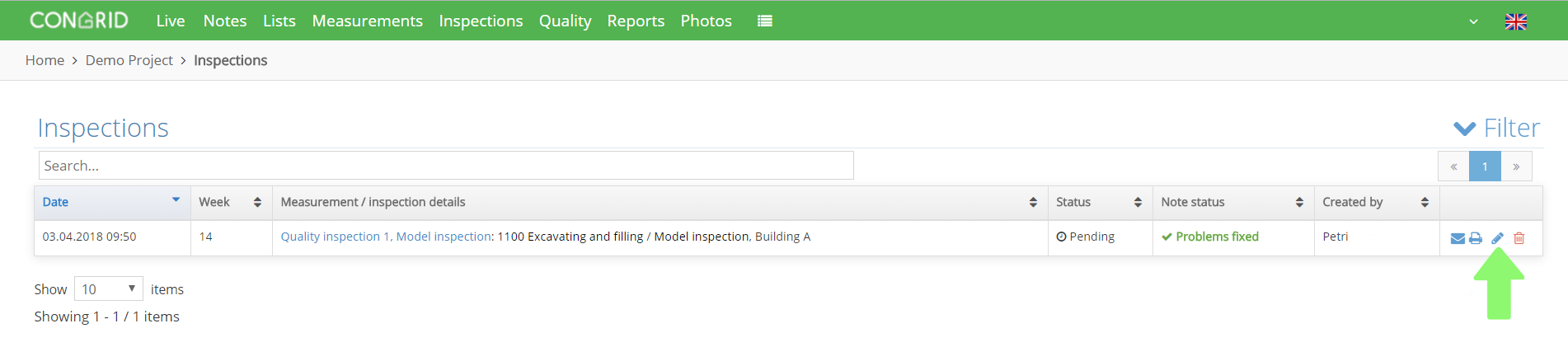
Click Inspections to choose an inspection you want to add to a matrix. An editing window appears by clicking the pen icon.
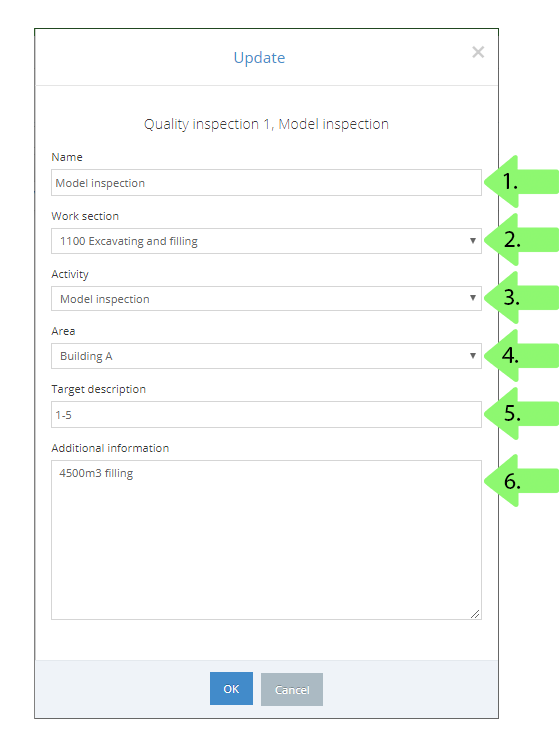
1. Set a name for an inspection.
2. Choose under which work section the inspection will be placed.
3. Choose a column for an inspection.
4. Set an area for an inspection.
5. Define a target description.
6. Additional information.
These fields are not obligatory.
Save by clicking OK.
When an inspection is moved successfully, it'll appear in the matrix as a finished inspection.

Comments
0 comments
Please sign in to leave a comment.