
Adding a company
1. Click Companies in the drop-down menu.

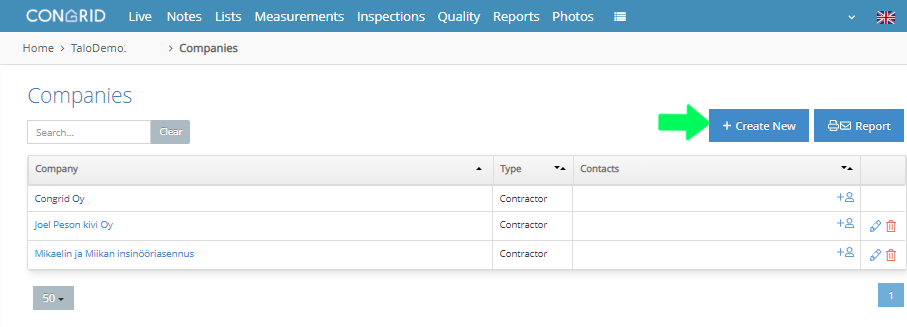
2. Press + Create new to add a new company.
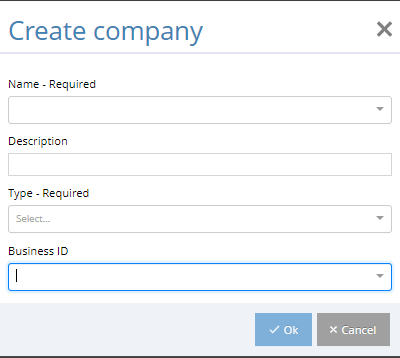
You will need to specify the following information for a company:
- Name
- Description (For example, HVAC contractor)
- Company's Type, which can be one of the following:
- Supplier
- Designer
- Supervisor
- Contractor
- Client
- Other
- Business ID
Mandatory fields are Name and Type.
Comments
0 comments
Please sign in to leave a comment.