
Managing project users.
Click the project you want to edit. You can edit users by selecting "Project Users" from the dropdown menu.

You can do the following things in Project users:
- Delete users from the project
-
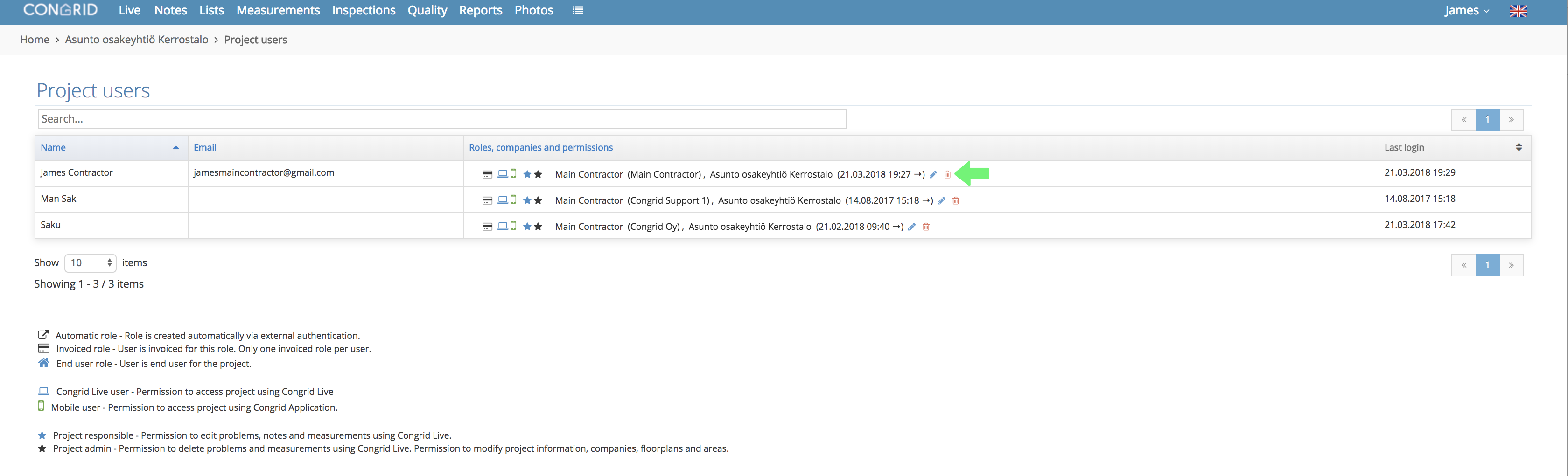
View project users and their user rights
Only a Project Admin can delete other users.
Delete users by clicking the wastebasket icon.
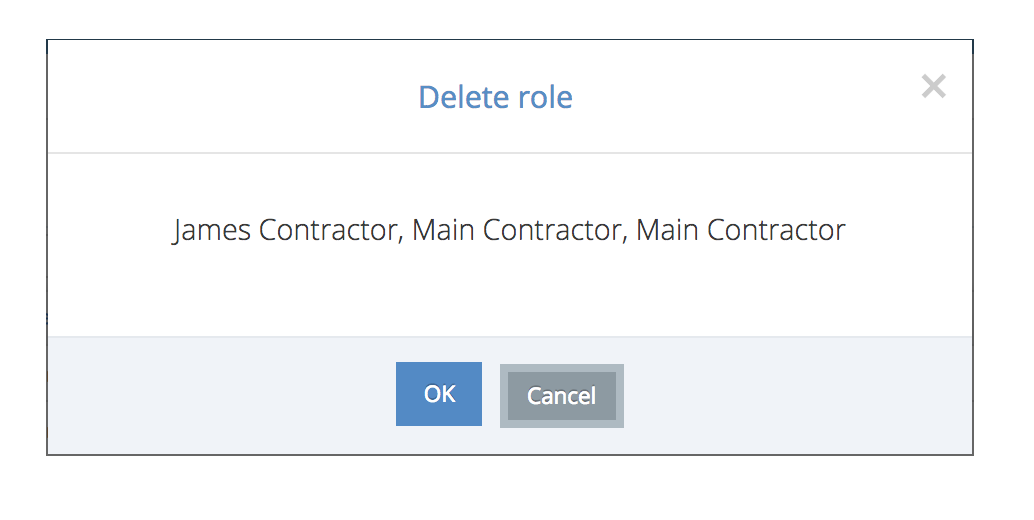
If users are deleted from a project only Congrid support (support@congrid.fi) or your company's Admin person can add deleted users back to the project.
Comments
0 comments
Please sign in to leave a comment.