
Creating a project worksite diary report containing all documentation days is done in the following way.
Open "Diary" from the drop down menu.

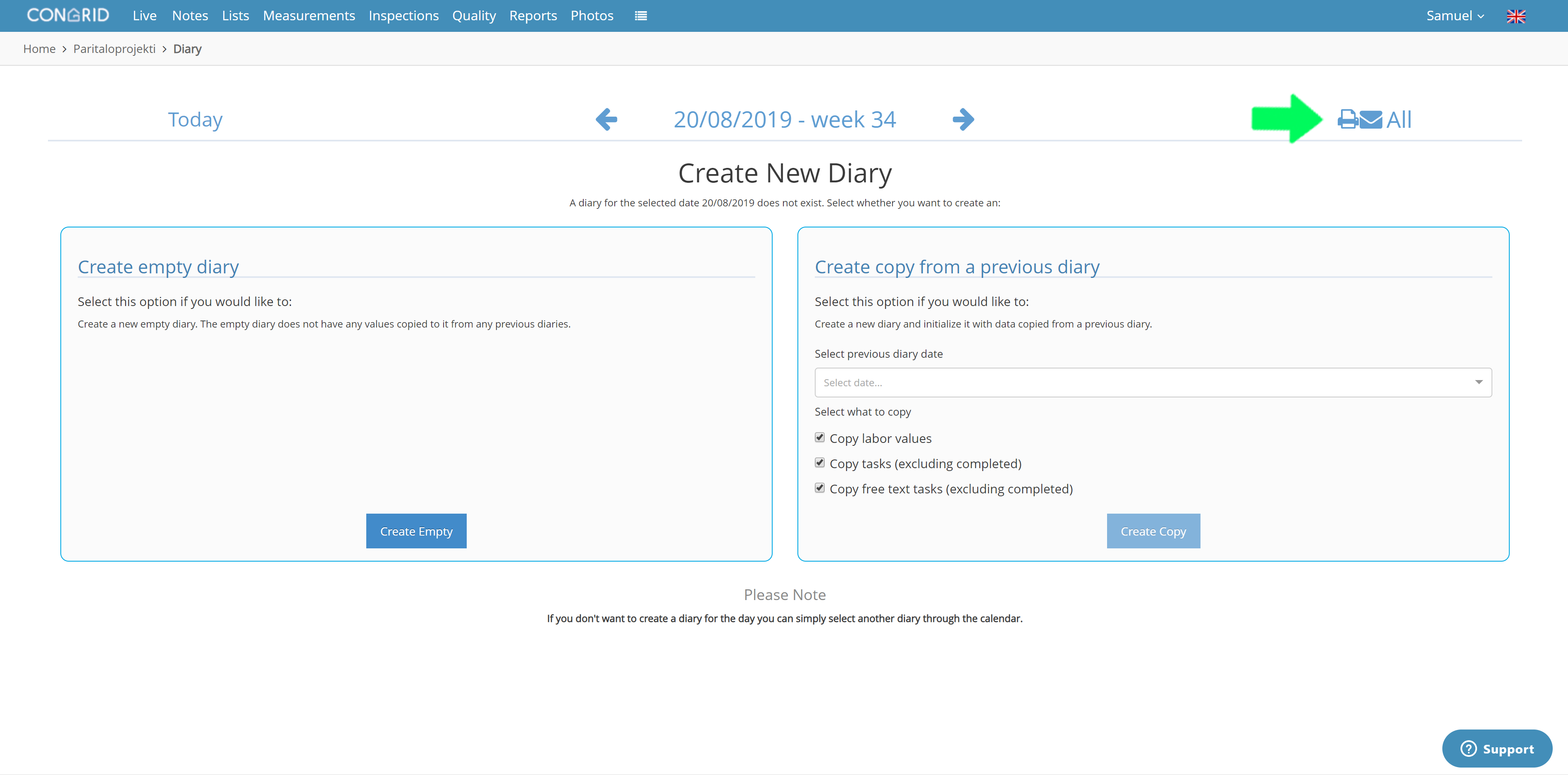
The Diary page will open to a "Create New Diary" -view. By clicking the  -icon you can create a project worksite diary with all diary documentation.
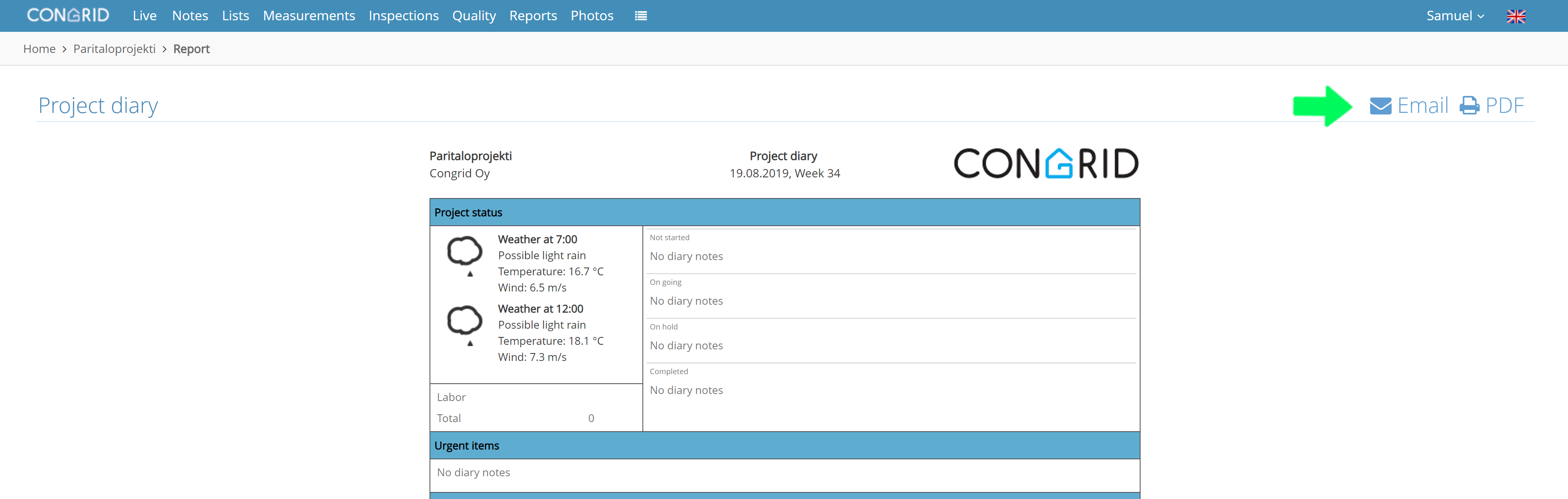
A preview -page of the report will open. On this page you can view all diary documentation resutlts.
Note that if a diary has a lot of documentation this view may take multiple minutes to load.
You can send the report via email by clicking the  -icon or save it as a PDF-file by clicking the
  -icon.
Comments
0 comments
Please sign in to leave a comment.