
Start creating a concrete record by clicking "Concrete" in he drop down menu

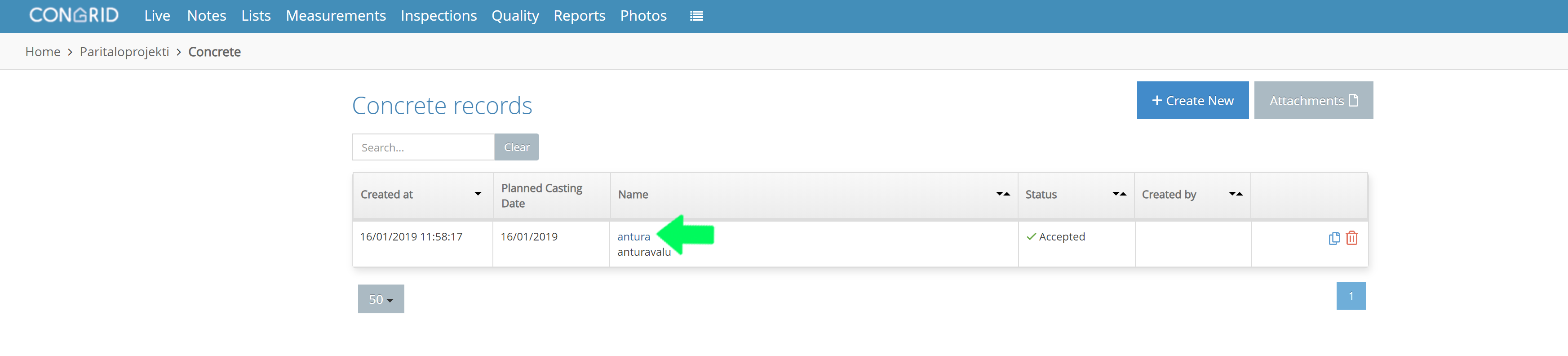
Create a new concrete record by clicking "+ Create New".

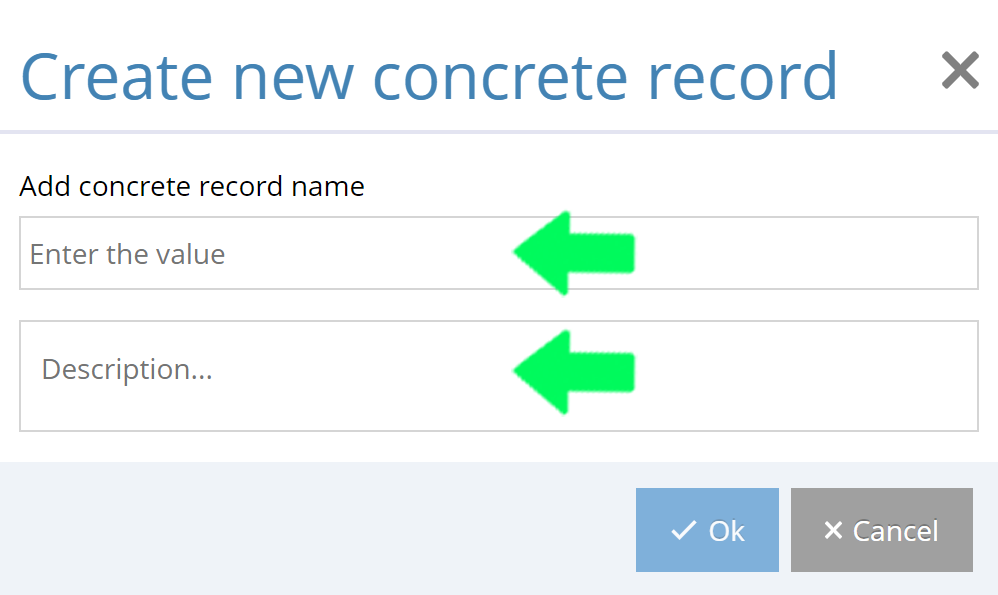
A pop-up window will appear. Define a name for the concrete record.
Add a decription containing for example the location of the concrete cast or other necessary information.
After saving the name, the record is ready to be used. Open the record page by clicking its name.
Comments
0 comments
Please sign in to leave a comment.