
Congrid Live Service - Editing user rights
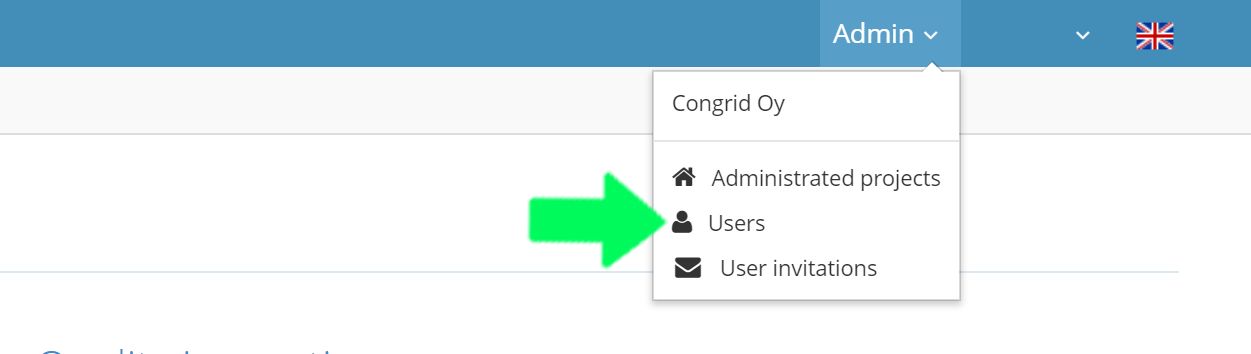
Open the "Admin" drop-down menu and select "Users".
Users
1. The search field - to find users quickly
2. Edit user rights by clicking the pen icon.
You can choose the users rights by selecting one or more of the following:
- Live permissions (User rights for Congrid Live).
- Mobile application permissions (User rights for the mobile application).
- Edit permissions (Rights to change notes and inspections in Congrid live).
- Admin permissions (Rights to delete notes and inspections and to edit project data, contractors, floor plans, the area hierarchy within the Live service).
3. Delete user account by clicking the wastebasket icon
4. Setting the Company manager role (Analytics) and adding to a project.
You can also edit user rights on Projects' User Panel.
 A new window opens where you can set the Company manager (Analytics) -role. With this role, you can inspect company analytics.
 A new window opens where you can add users to a project and change their user rights.

User rights can also be edited in the Project users -page. (See the guide: Managing project users)
Comments
0 comments
Please sign in to leave a comment.