
First, click Measurements.

You can edit measurements by
1. Clicking its name or
2. Clicking the pen icon.
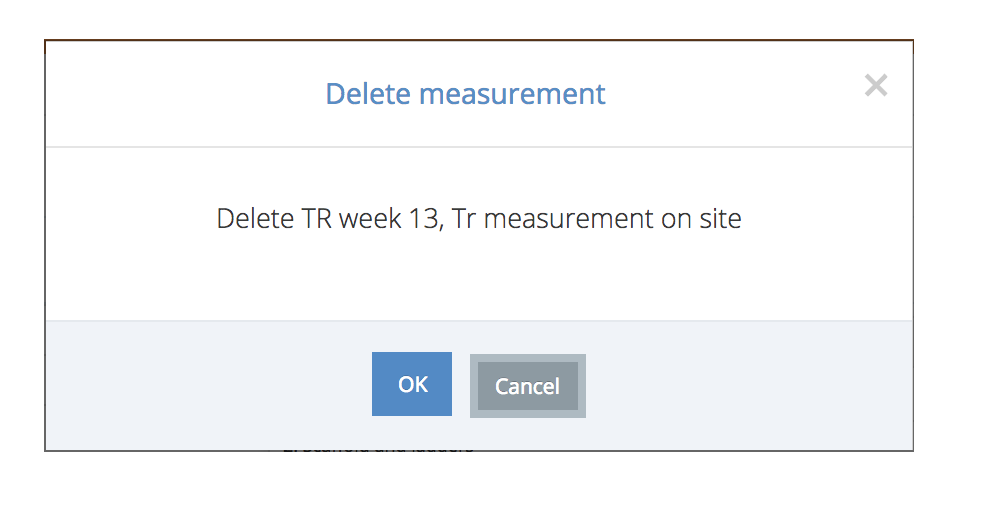
3. You can delete a measurement by clicking the red wastebasket icon. To be able to delete, you must at least have admin rights. Despite deleting a measurement, notes added to it will not be deleted.
4. Edit a measurement's status by clicking the Acceptance icon.

1. Set a name.
2. Set a new area.
3. Set a week that the measurement has been made on.
4&5 Set a measurement's makers.
6. Set a measurement's type (internal/external).
7. Set additional information.

Delete a measurement by clicking OK. If you accidentally delete a wrong measurement, please contact support@congrid.com to return it.
1. A measurement's status can be:
- Pending
- Accepted
- Rejected
Please note, if the status is Pending, a measurement can only be edited in the mobile app.
2. Add a comment which can be, for instance, an explanation for rejection.

Comments
0 comments
Please sign in to leave a comment.