
Congrid Live - Project menu
In the Project menu, you can see all projects activated on your user account. A single user account can have multiple projects. To inspect a project, click its name.
Filtering projects
You can filter projects to ease browsing by clicking the Filter button.
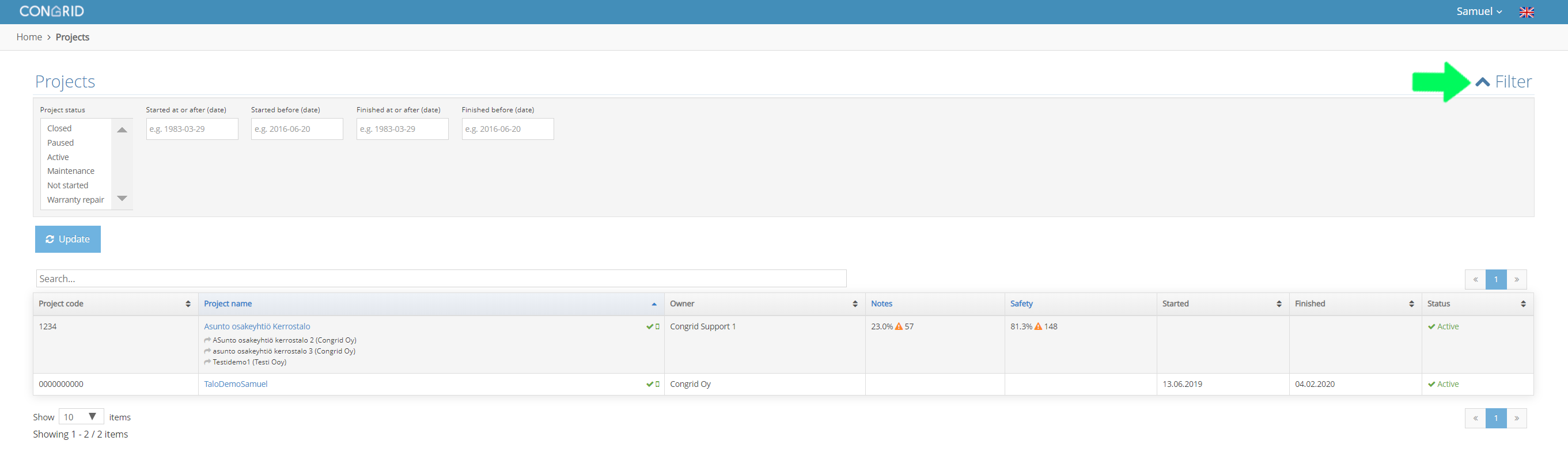
You can filter projects with the following criteria:
1.Project status
2.Started at or after (date)
3.Started before (date)
4.Finished at or after (date)
5.Finished before (date)
When the criteria have been selected, the projects will filter by pressing the Update button.

If your user account is missing a project you want to view, please contact your company's admin person or Congrid's support centre at tuki@congrid.fi
Comments
0 comments
Please sign in to leave a comment.