
First, click Lists.

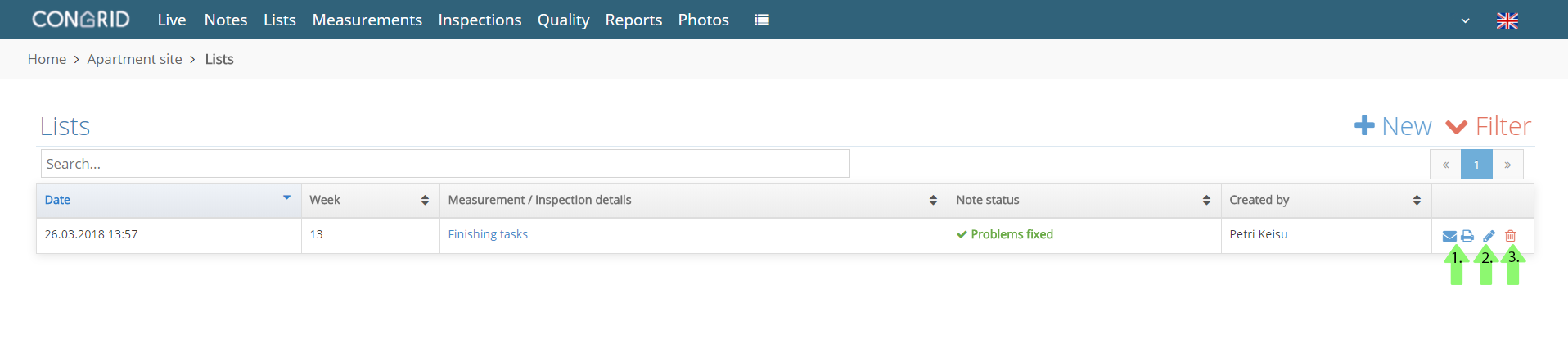
Editing lists
1. Create a report of the list in the Notes -page (See instructions: How to Create a Report of Notes)
2. Edit the list's name.
3. Delete the list.
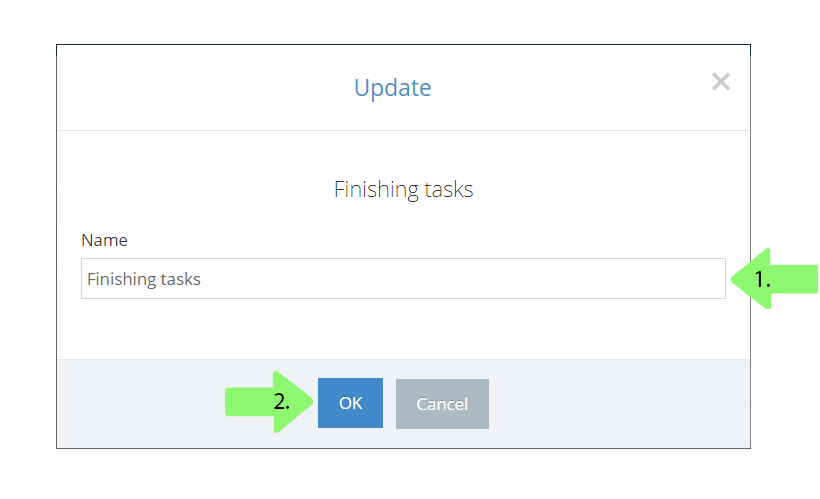
 How to change a list's name?
1. Set a new name.
2. Click OK to save. (See instructions on changing the name using the Congrid app: Viewing and editing the notes -menu)
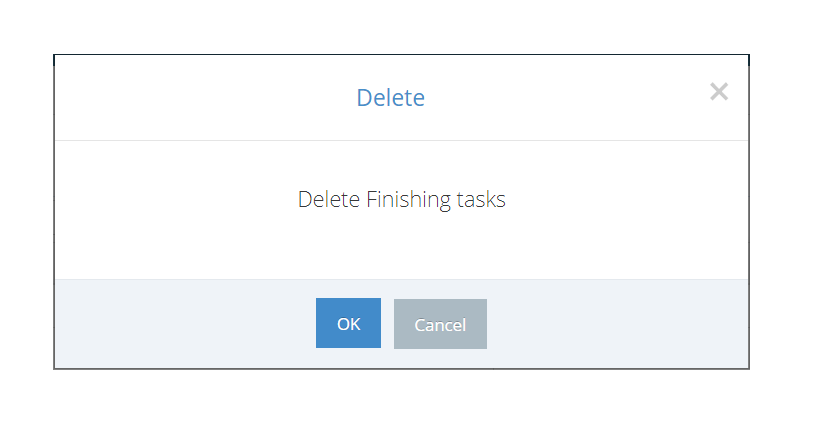
How to Delete a List?
1. Delete by clicking OK. Please note, once you have deleted a list, it can not be returned.
Comments
0 comments
Please sign in to leave a comment.