
To start adding photographs click Photographs.

Click +New to add a new photograph.

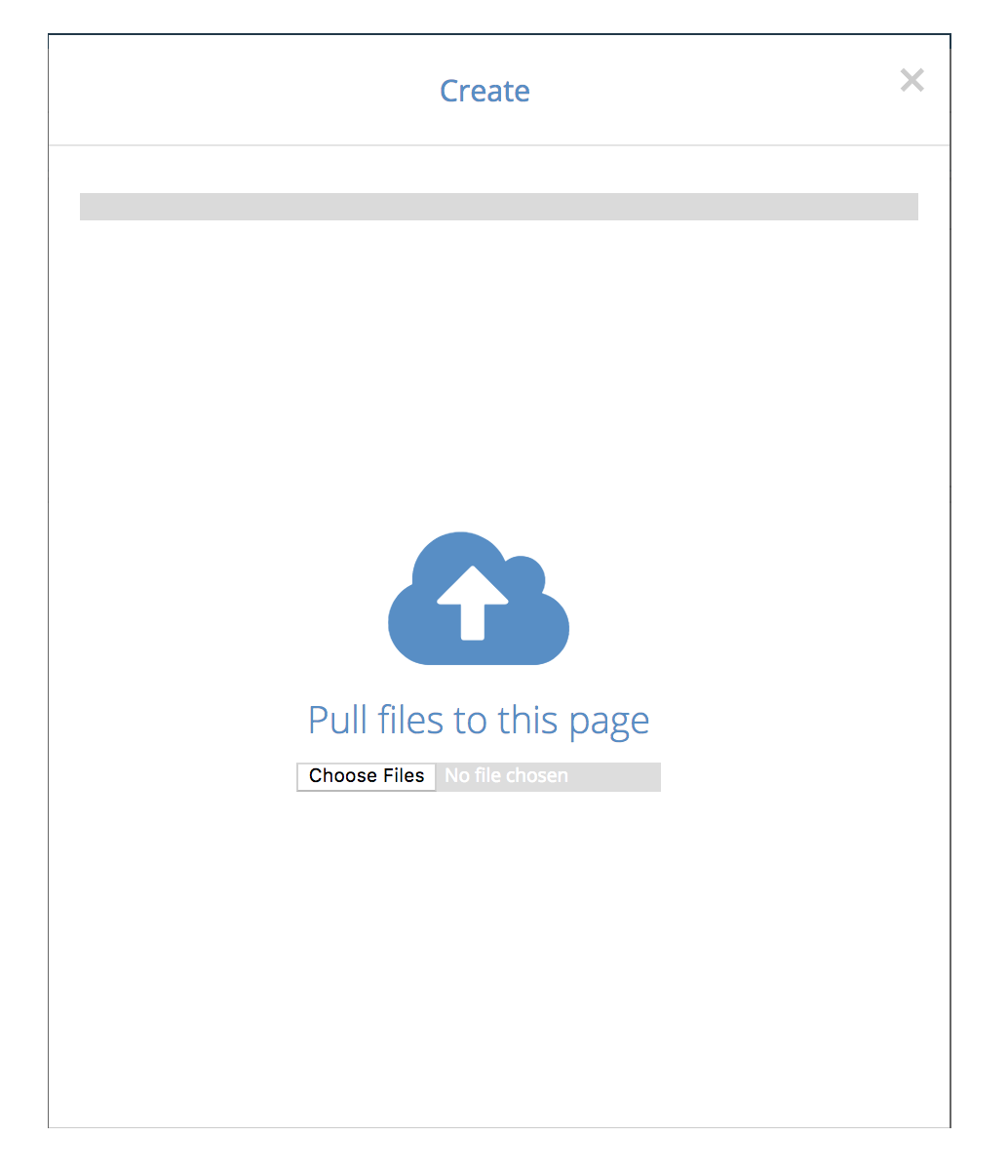
After clicking the text a new window appears. You can either drag a new photo or choose it on your files.

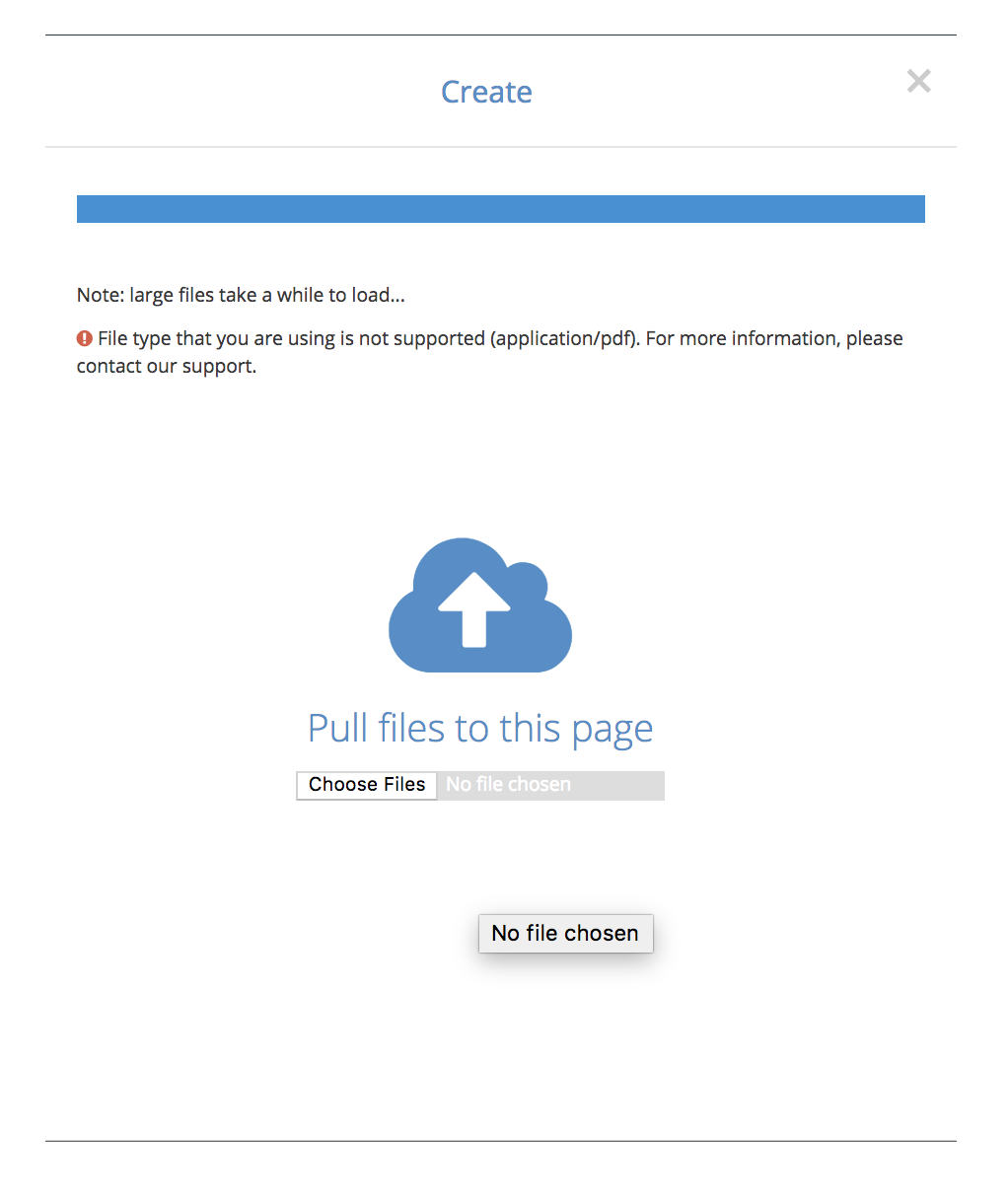
OK text appears after successful loading and the window closes.
If loading fails, the file format may be wrong or the file might be broken.
Please contact support@congrid.com if the loading still fails.
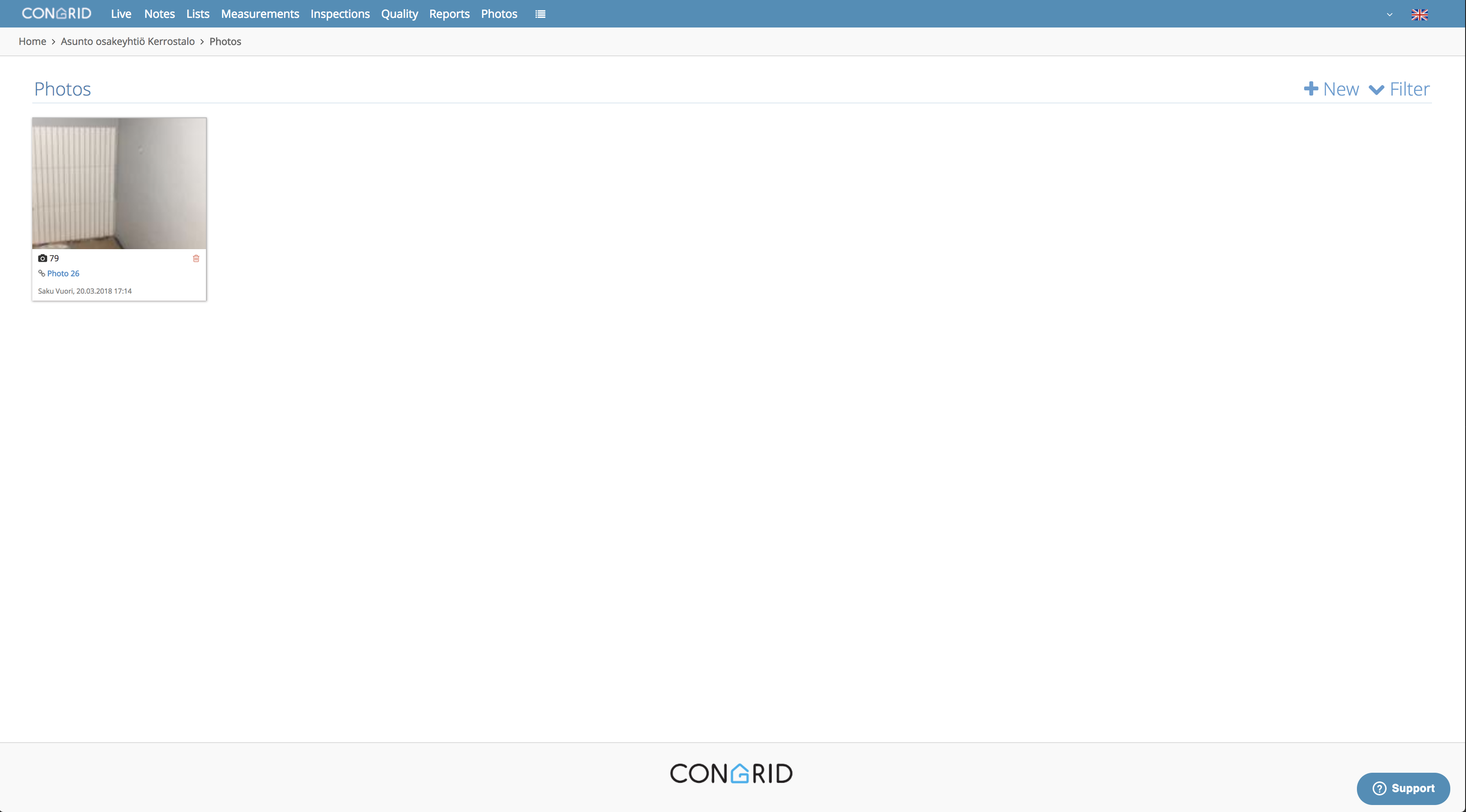
When photographs are successfully added, they'll appear on 'Photographs' page.
Comments
0 comments
Please sign in to leave a comment.